Autodesk Maya 2023
Python
PyQt
Maya's OpenMaya Python API 2.0
Plugin Development
A simplified recreation of the Tween Machine tool built as a Maya Command Plugin in Python using the OpenMaya API, paired with a custom PyQt UI. (Github)
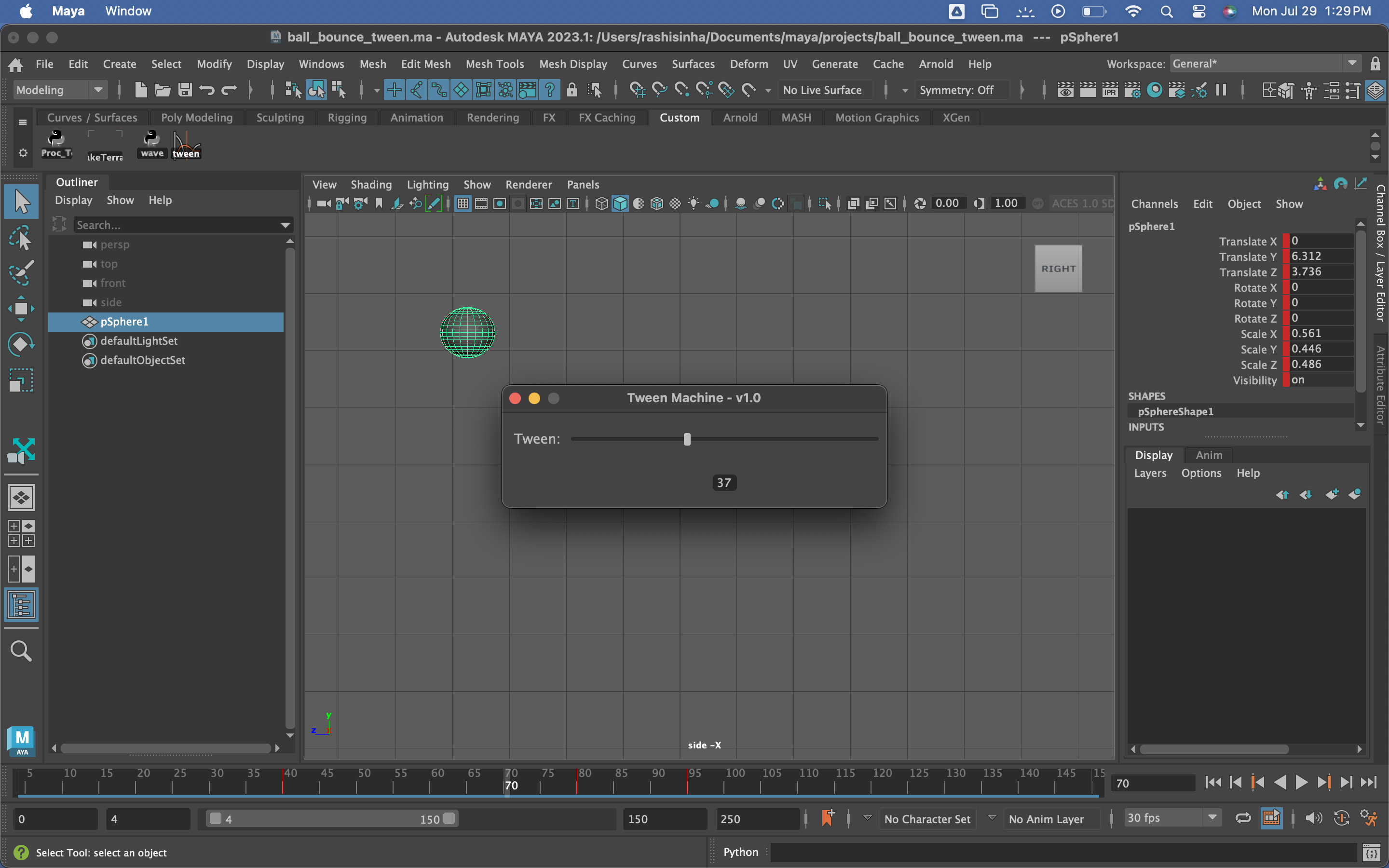
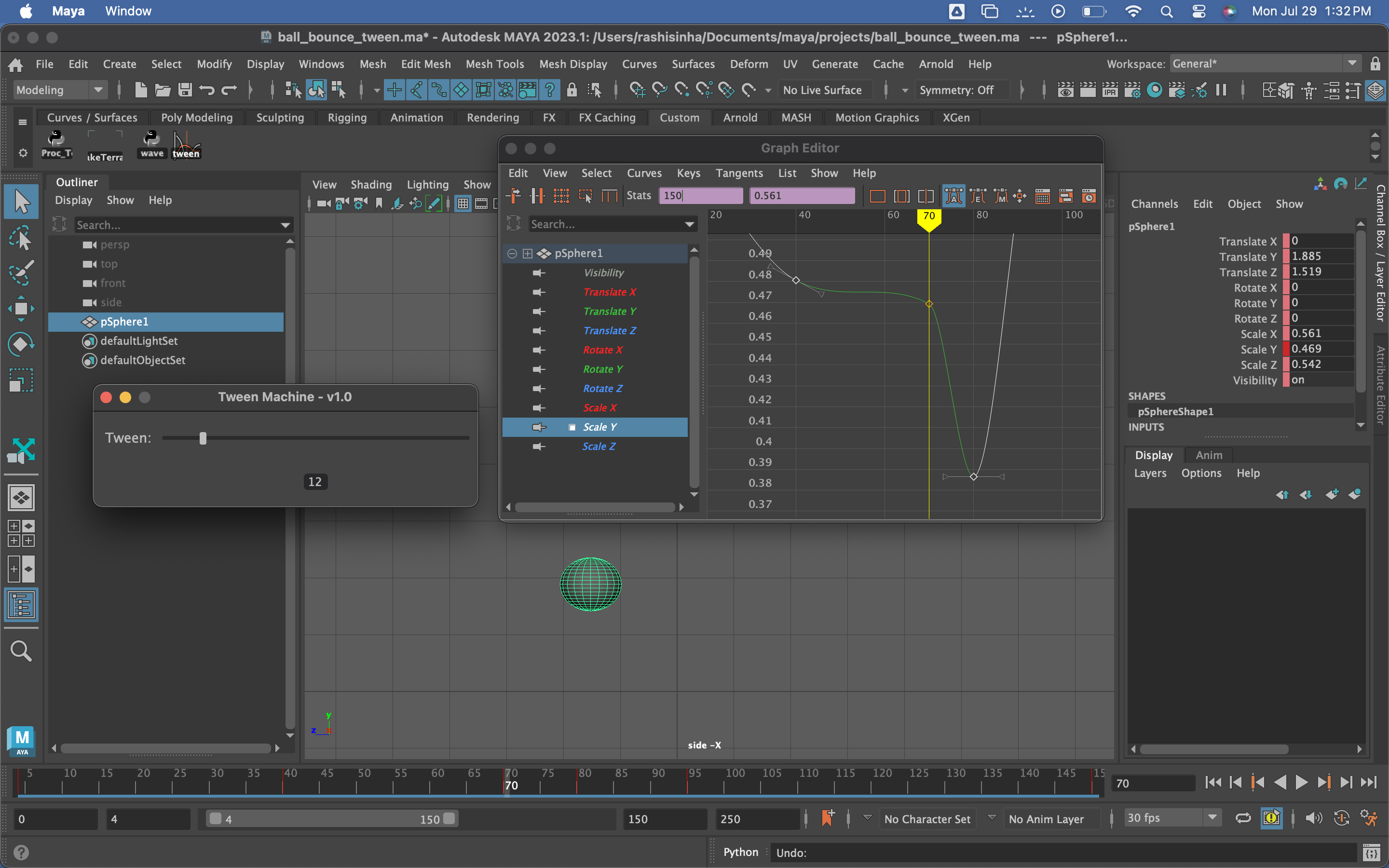
The tool inserts a new in-between key at the current frame and shifts its value toward either
the previous or next key based on a user-controlled tween slider. It works on both animated DAG
objects (affecting all their animation curves) and directly selected curves.
(Note: The red tick for new keys doesn’t appear in the screen capture, but the curve view shows the key being created.)

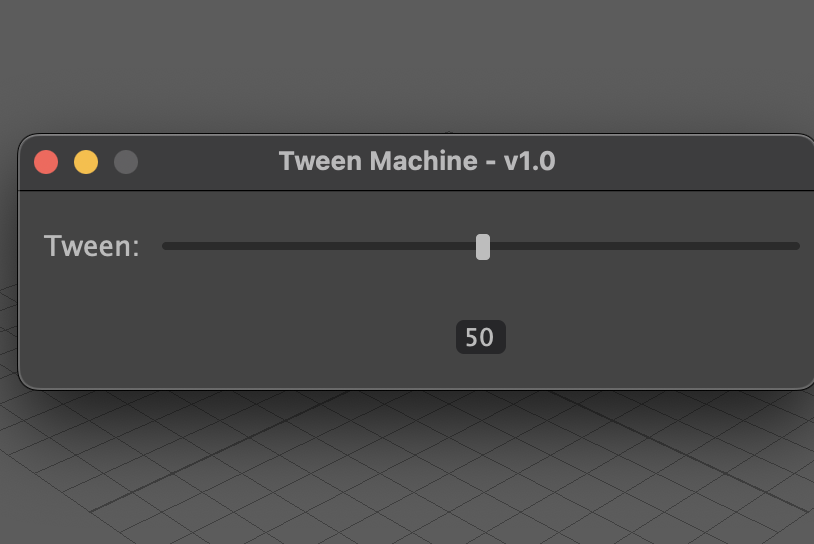
The UI is developed with PyQt.
The UI script ensures that the tween machine plugin is loaded before displaying the UI. It loads the plugin
if it's not already loaded or throws an error if it is unable to load the plugin.
The UI elements are simple: a slider for selecting the tween value, a text label for the slider and another label to display
the current slider value.
The tween machine command is called when the slider value is changed and only when the slider was pressed but not released.